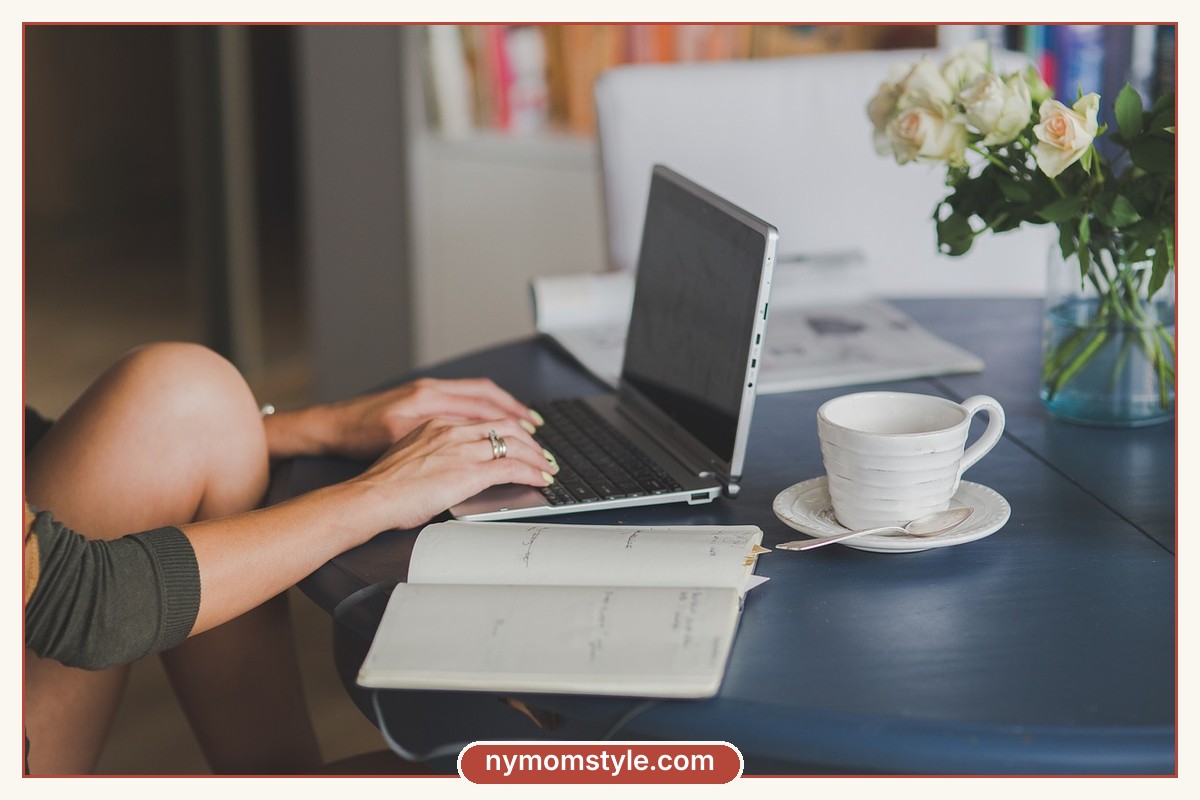

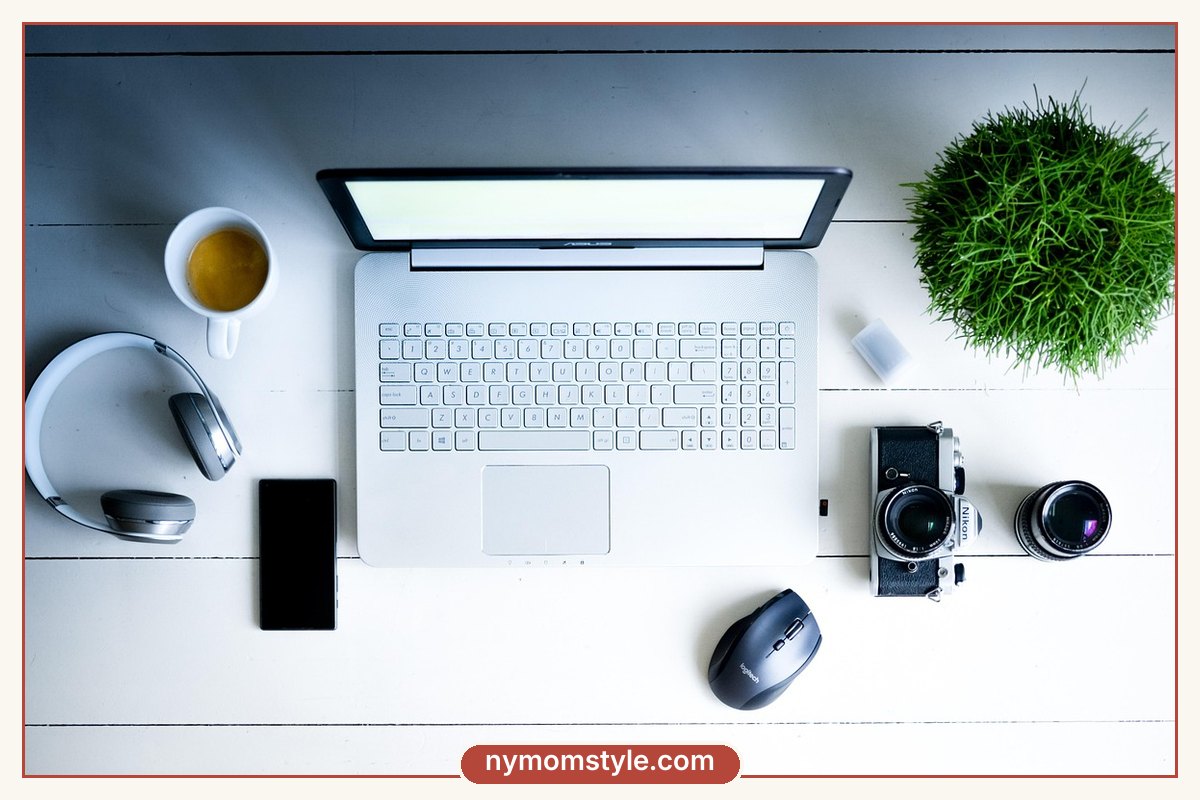
A video call frames you from the chest up, under a webcam, in whatever light your room gives you. That changes the rules of getting dressed. Some things that look great in person look flat or distracting on screen, and some things you would never notice help you look sharp and relaxed.
This article is a camera cheat sheet. It covers colours, patterns, necklines, hair, accessories and a few quick setup tips, so you can look good on any call without a full makeover. If you would like to know how the technology works, Wikipedia has an overview of video calls, but here we will stay with the practical side.

The top-half rule
On most calls only your top half is visible, so put the effort there. That does not mean you have to hide in pyjama bottoms. It means a cardigan or a blazer over your usual comfy bottoms is enough, and it frees you to join the call in seconds. If you want a full system, see our three-level dress ladder.
Colours that work on camera
| Colour | On camera | Notes |
|---|---|---|
| Soft blues and greens | Flattering and calm | Work for most skin tones |
| Jewel tones (emerald, burgundy, sapphire) | Rich and confident | Good with white or neutral backgrounds |
| Cream, camel, soft grey | Warm and neutral | Check against your background so you do not blend in |
| Black | Strong and slimming | Can look harsh in poor light, so add a lighter piece near your face |
| Pure white | Can glare and wash you out | Cream or ivory is softer |
| Neon and very bright colours | Can look harsh or bleed on screen | Use in small doses |
A good tip is to avoid the exact colour of your wall or chair, or you may blend into them. If your wall is cream, wear a mid-tone, and if your background is dark, wear a lighter top.
Patterns: what helps and what distracts
- Safe choices: solid colours, large soft patterns and simple stripes.
- Avoid: very fine stripes, small checks and tight herringbone, which can flicker or shimmer on camera.
- Avoid: large logos and slogans that take attention from your face.
Necklines and fit
Necklines that frame your face work best. V-necks, scoop necks and boat necks are all flattering. Very high collars can make your neck look short on camera, and very low necklines are distracting. Choose a top that fits across the shoulders, because you will often lean forward, and baggy fabric bunches when you move your arms.
Layers that polish your look
- A blazer gives shape to any top and looks professional.
- A cardigan is a softer, comfortable choice.
- A light scarf adds colour near your face.
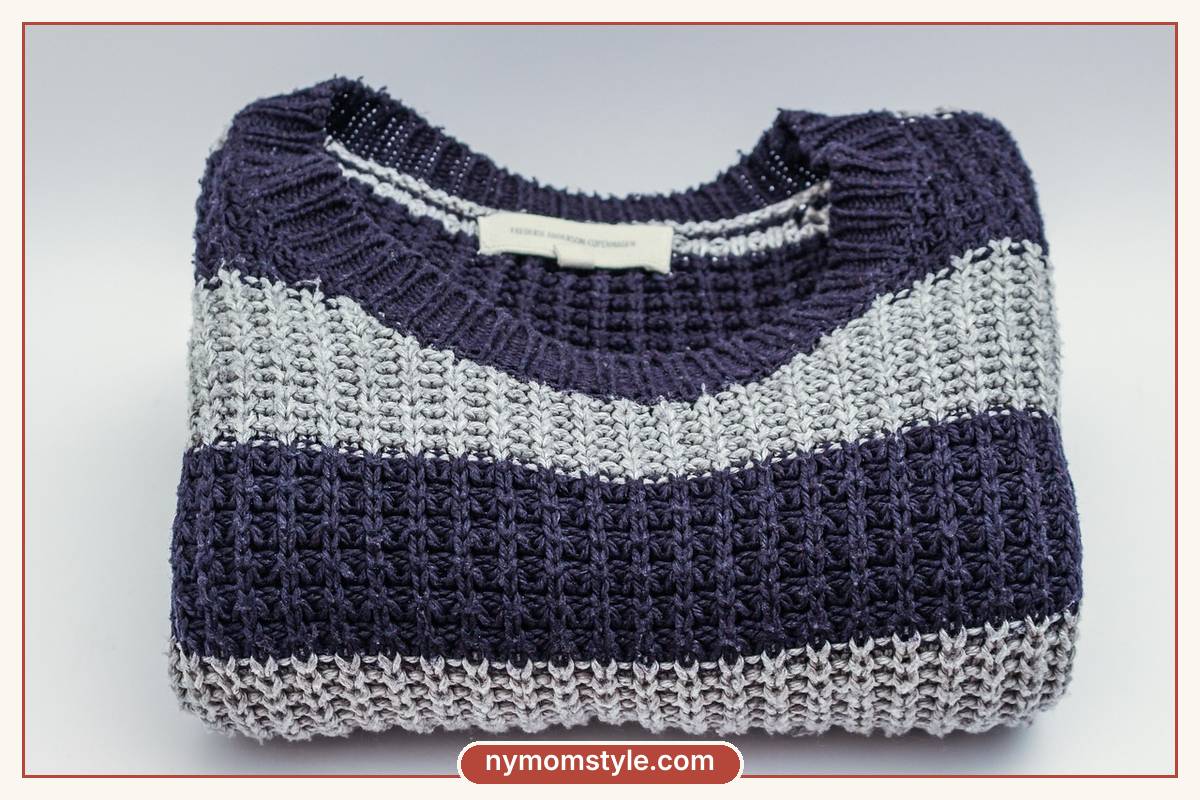
- A structured knit looks neat without feeling formal.
If you are building the wardrobe from scratch, our capsule wardrobe guide shows how to pick a few layers that go with everything.
Accessories and hair
- Earrings catch the light and frame your face. Simple studs or small hoops are enough.
- A necklace adds interest to a plain top. Choose a short pendant that sits above your neckline.
- Glasses: if you wear them, check for reflections. Tilting the screen slightly can help.
- Hair: a simple style that stays out of your face is best. A claw clip or a low bun is quick.
- Hats and scarves on the head are fine if you like them, but they can cast shadows.
Light, background and camera tips
Even a great outfit looks poor in bad lighting. These simple adjustments help:
- Face a window. Natural light in front of you is the best light. Avoid sitting with a window behind you, which makes you look dark.
- Raise your camera to eye level. A stack of books under your laptop works.
- Keep your background simple. A tidy shelf, a plant or a plain wall is enough.
- Check your frame. Make sure your head and shoulders are visible, with a little space above your head.
- Do a quick test. Open the camera before the call and check your look.
Quick outfits for different calls
| Call type | Outfit | Extra tip |
|---|---|---|
| Team meeting | Solid knit or blouse with a cardigan | Keep a blazer on the chair |
| Interview or client call | Blazer over a simple top, in a solid colour | Earrings, neat hair |
| Casual catch-up | Soft sweater or a nice tee | A pop of colour near your face |
| Parent-teacher or school call | Neat top, simple jewelry | Choose a quiet space, if you can |
| Online class | Comfortable layers | Have a water bottle nearby |
What to do when a call starts with no warning
- Put on your “call layer” in less than ten seconds.
- Turn on a lamp or move toward a window.
- Tidy the area behind you with one swipe.
- If you need a moment, turn off the camera for the first minute and switch it on when you are ready.
Many of these ideas also work for events outside the house. For a different kind of everyday outfit, see business casual outfits for moms.
Mistakes to avoid
- Wearing the same colour as the background. You will vanish.
- Choosing busy patterns. They are hard to look at on screen.
- Skipping light. A dark room makes any outfit look dull.
- Forgetting the camera angle. A low camera is unflattering for everyone.
- Wearing noisy jewelry. Bracelets clanking on a desk are loud on audio.
FAQ
What colour looks best on a video call?
Soft blues, greens and jewel tones look good on most skin tones, while cream and soft grey are flattering neutrals. Avoid pure white and very busy patterns.
Do I need to wear trousers on a video call?
That is up to you. Many people find that getting fully dressed makes them feel more ready, and it avoids awkward surprises if you have to stand up.
Should I wear makeup on video calls?
Not necessarily. A little colour on the lips or a touch of concealer can help if you want to look fresh, but it is optional.
What should I wear for a job interview on video?
A blazer or a smart top in a solid colour, simple jewelry and tidy hair. Also test your lighting and sound before the call.
Final thought
A good video call outfit is simple. Choose a solid colour that suits you, add a layer for polish and make sure the light is on your face. Set up once, and every call after that is easy.